![icon-white.png]](https://help.homelight.com/hs-fs/hubfs/icon-white.png?height=40&name=icon-white.png)
It’s simple to sign in and access your HomeLight account. If you’ve already submitted a client for Buy Before You Sell, we’ve automatically created your profile. All you have to do is set a new password.
Here's what to do:
- Click here to access your lender portal
- Set a new password for your account
- That’s it! You’re all set to start managing your transactions.
- No transactions listed? Simply submit a client to get the process started.
-png.png?width=688&height=445&name=Sign%20In%20(1)-png.png)
The sign-in page for the Buy Before You Sell lender portal.
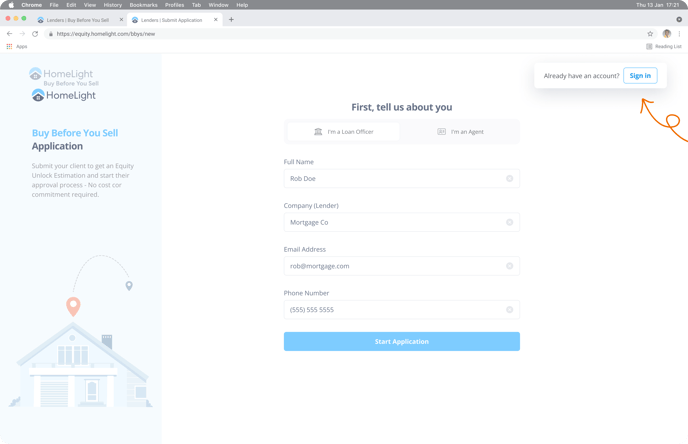
You can also choose to sign in from the Buy Before You Sell application page.